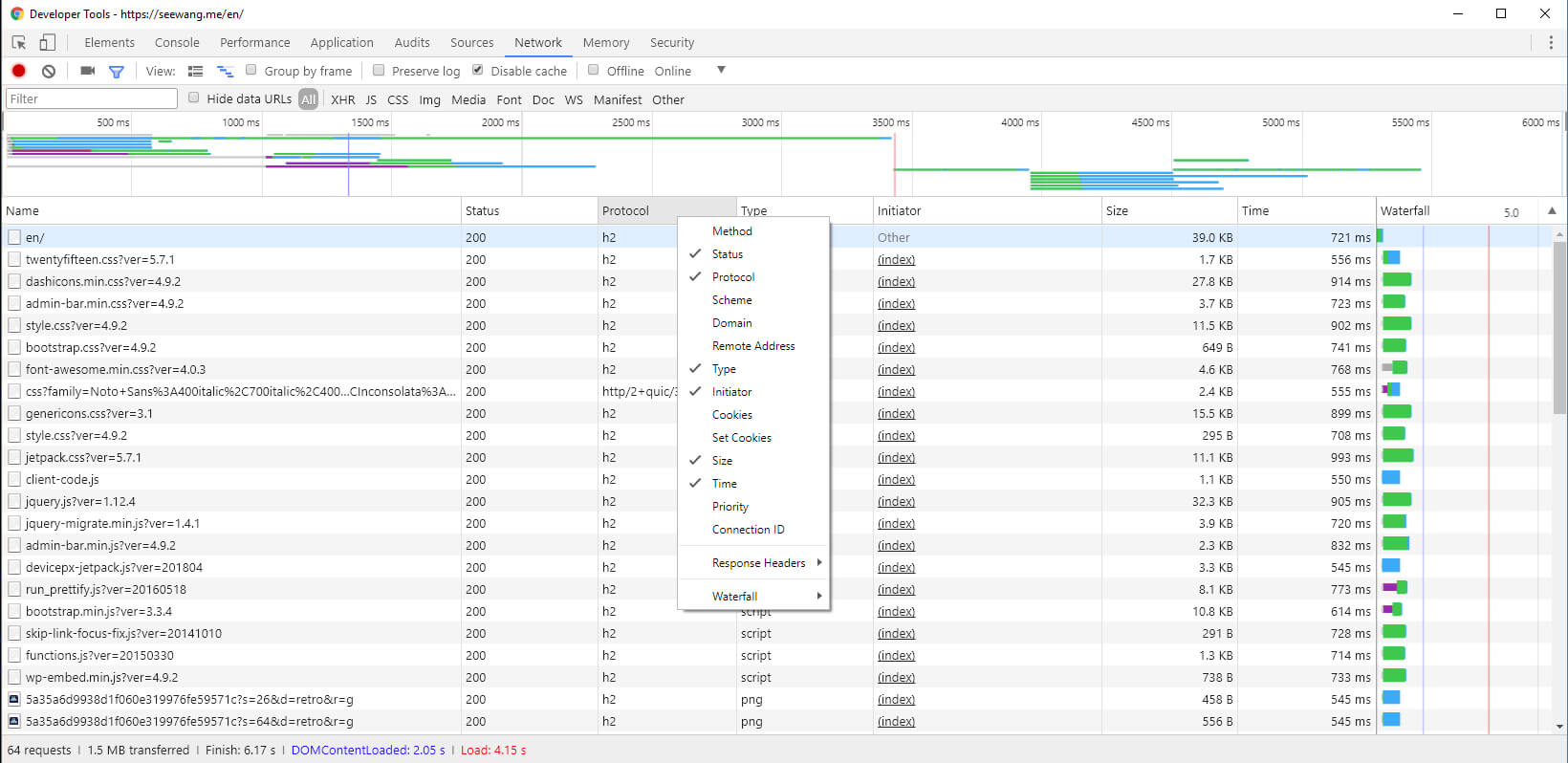
You surely have heard HTTP2 and its advantage over the good old HTTP1.1, security, performance blah blah blah…
And it bizarrely easy to enable on my Nginx.
Firstly some requirements:
Nginx > 1.9.5
OpenSSL > 1.0.2
Then add http2 to the server configuration, after listen 443 ssl.
server {
    listen 80;
    server_name seewang.me www.seewang.me;
    return 301 https://seewang.me$request_uri;
}
server {
    listen 443 ssl http2;
    server_name seewang.me www.seewang.me;

    #rest of config...
}
And that’s it, now we can check it on Chrome Developer Tools > Network tab, we’ll need to right click on the column header and check Protocol column.